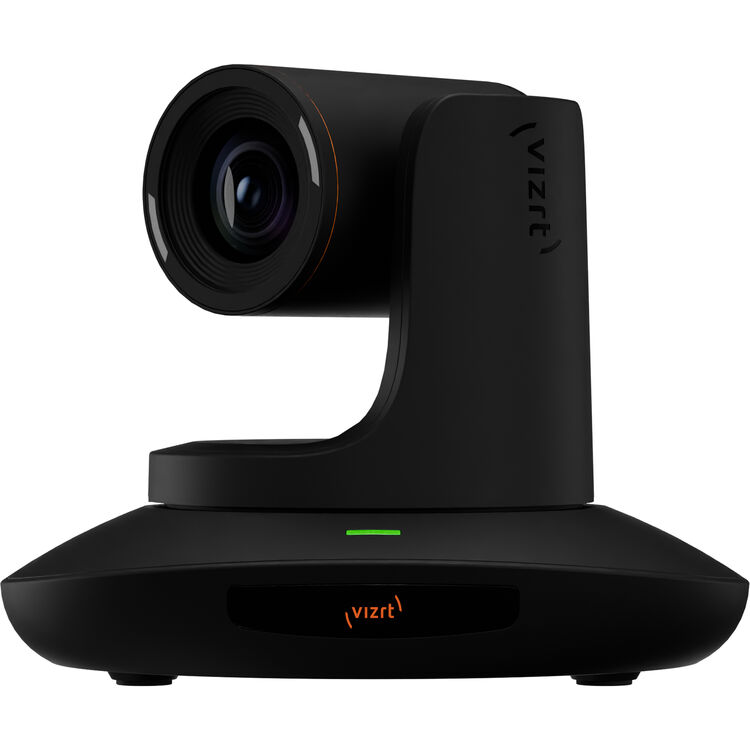
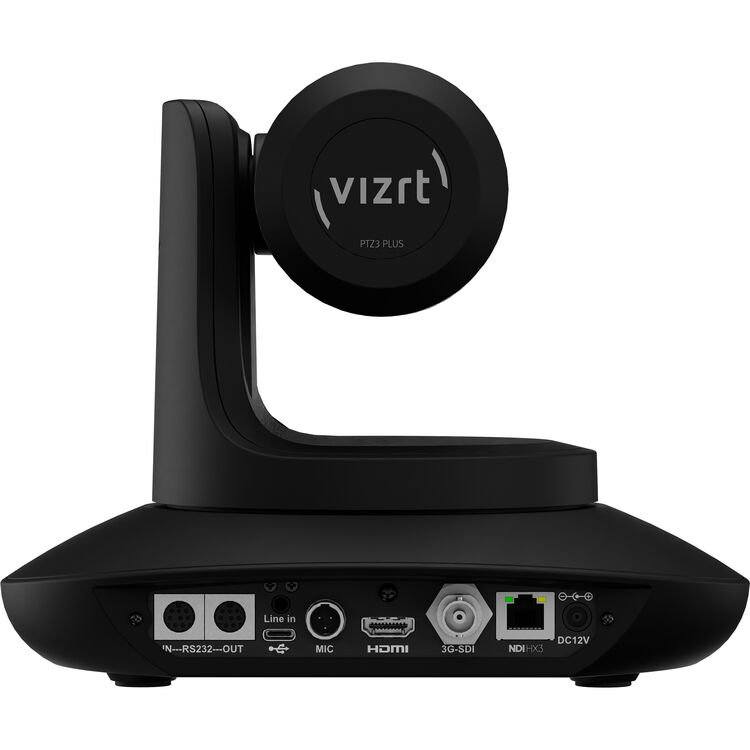

Vizrt PTZ3 PLUS Camera (Black)
Combining the simplicity and control of a PTZ camera with NDI|HX2/HX3 protocol support, the black Vizrt PTZ3 PLUS Camera provides video professionals, technology managers, webcasters, and A/V system integrators with an HD video PTZ camera for remote learning, hospitals, meeting rooms, and studios. The PTZ3 PLUS camera has been updated to include support for FreeD over NDI|HX, automated AI presenter tracking, mini XLR input with phantom power, a 20x optical zoom with 2x digital zoom, and powerful motors for smooth pans and tilts.
Initial Face Detection
The PTZ3 PLUS intelligently tracks presenters, even when they face away from the camera and turn to look at a virtual or physical screen.
Presenter Memory and Target Switching
Presenter memory ensures the camera won’t switch its subject focus, even if someone else enters the frame unless you program it to. With tracked target switching, it’s easy to switch between presenters by choosing from switching left, right, or to first tracked.
Blackboard Detection
Intelligent blackboard detection identifies whether the presenter has entered a “presentation area”, such as one that includes a whiteboard/blackboard, and will lock the camera in place as the presenter moves around it for a more stable, less jumpy viewing experience.
Subject Framing and Tracking Limits
Frame your talent by choosing from six framing ratios from 1/6 up to 1/20, choosing whether your presenter is framed to the left, center, or right of the frame. Keep the camera within a set range by setting a tracking limit window with top left and bottom right frames to ensure the camera doesn’t track offset or break a green screen effect.
Home Position Timeout
Ideal for lectures, meetings, and events, you can decide when the camera stops attempting to track a presenter after they leave the range of the PTZ3 PLUS camera or your set tracking window and return to a default home position. Then choose from a 0.5 to 10 second timeout, after which the next presenter to enter the frame becomes the next tracked presenter.
If you have questions about this product, contact us at sales@zsyst.com or give us a call at (952)974-3140.
For more products, visit our shop!